Creating a cozy and inviting home workspace is essential for productivity and comfort, especially as more people work remotely or spend time on personal projects at home. A well-designed workspace not only makes work feel more enjoyable but can also improve focus and efficiency. Whether you have a dedicated room or a small corner, these tips will help you create a space that feels welcoming and supports your work needs.
Choose the Right Location
Finding the ideal spot in your home for your workspace is the first and most important step.
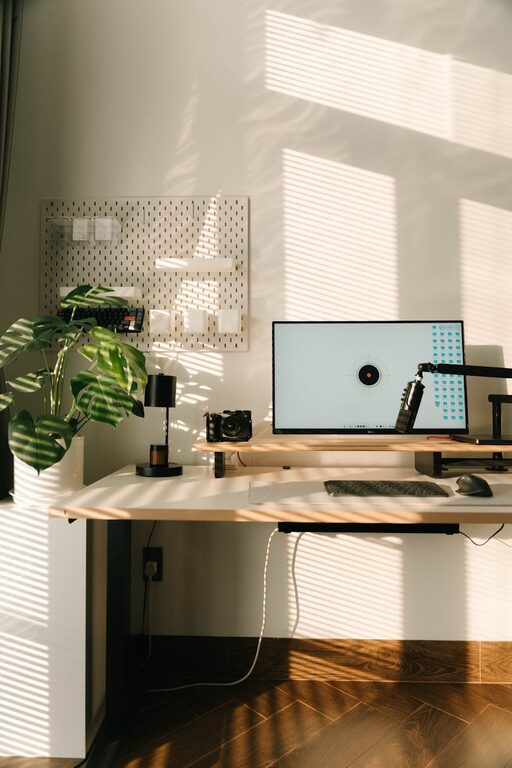
– Natural Light: Set up your desk near a window to benefit from natural daylight. Sunlight can boost your mood and energy levels.
– Minimal Distractions: Choose a quiet area away from noise and high traffic zones to help maintain concentration.
– Space Considerations: Ensure there’s enough room for your desk, chair, and any equipment or materials you use frequently.
Invest in Comfortable Furniture
Comfort is key to maintaining focus and avoiding physical strain when working for long hours.
– Ergonomic Chair: Pick a chair that supports good posture with adjustable height and back support.
– Appropriate Desk: Your desk should fit your work style, whether you need space for multiple monitors, writing, or crafting.
– Flexible Options: Consider a standing desk or a sit-stand converter to switch positions and stay active throughout the day.
Personalize Your Workspace
Adding personal touches can make your workspace feel more inviting and less sterile.
– Decorate With Care: Use artwork, photos, or plants that inspire and motivate you without cluttering the space.
– Color Choices: Soft, neutral colors create a calming environment, while pops of brighter colors can stimulate creativity.
– Textiles: Incorporate a cozy rug or a cushion for your chair to add warmth and comfort.
Organize Efficiently
A tidy workspace helps reduce stress and keeps you focused.
– Declutter Regularly: Keep only essential items on your desk to avoid distractions.
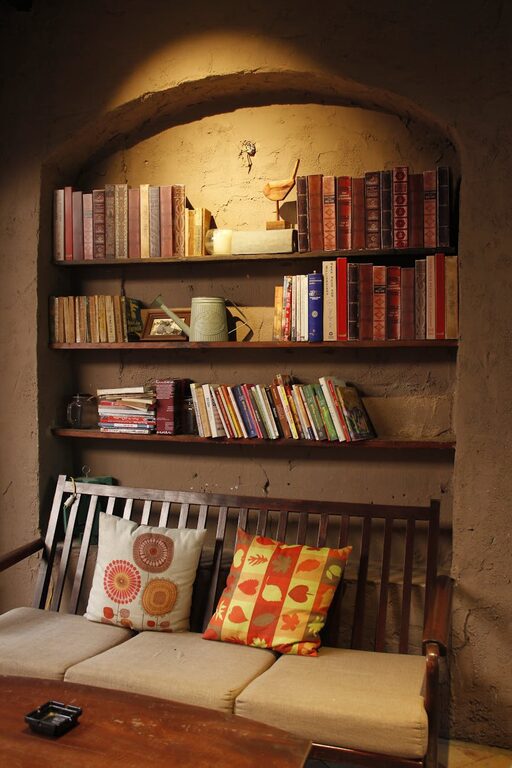
– Use Storage Solutions: Utilize drawers, shelves, and organizers to store supplies neatly.
– Cable Management: Use clips or sleeves to keep cords organized and out of sight.
Lighting Matters
Proper lighting reduces eye strain and sets a pleasant atmosphere.
– Task Lighting: Use a desk lamp with adjustable brightness to focus on detailed work.
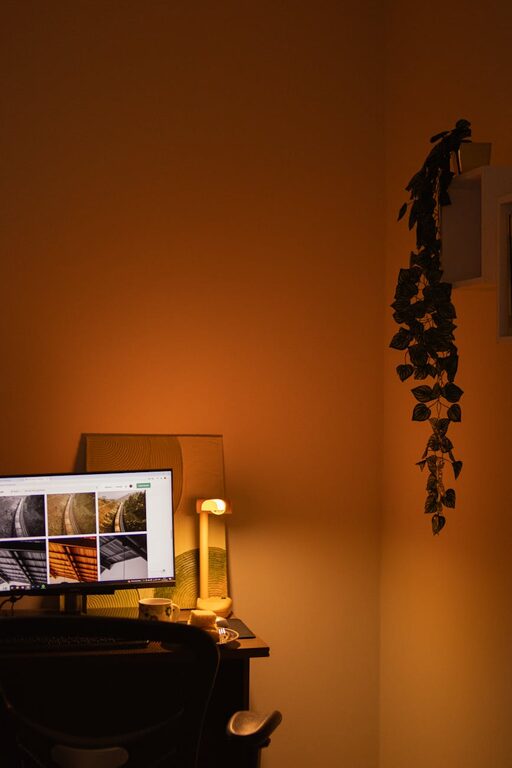
– Ambient Lighting: Combine overhead lighting with softer lamps to avoid harsh shadows.
– Avoid Glare: Position monitors and lights to minimize glare on screens.
Incorporate Nature
Bringing elements of nature indoors can create a soothing and lively workspace.
– Add Plants: Plants like succulents or pothos require low maintenance and improve air quality.
– Natural Materials: Use wooden desk accessories or textured fabrics to add natural warmth.
– Views: If possible, place your desk facing a window with a view to refresh your mind during breaks.
Maintain a Balanced Environment
A workspace should support both productivity and relaxation.
– Keep a Water Bottle: Staying hydrated helps maintain energy and focus.
– Break Area: If space allows, have a small spot nearby for stretching or short breaks.
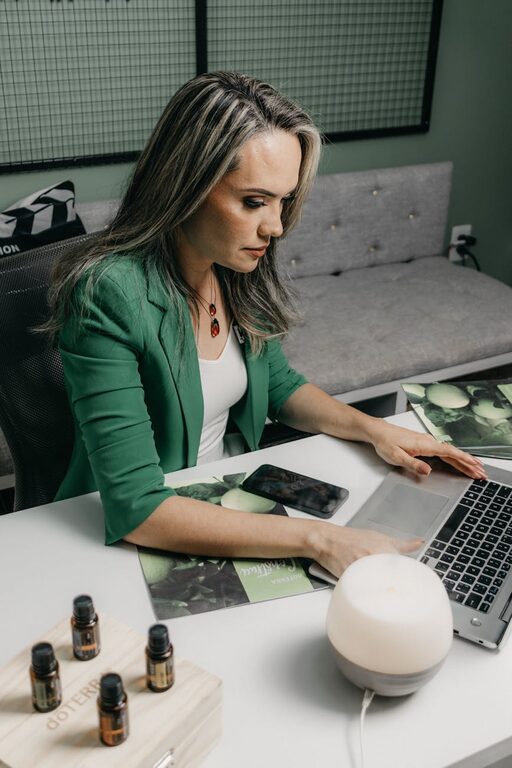
– Scent and Sound: Consider subtle scents like lavender or calming background music to create a pleasant work atmosphere.
Technology Setup
A smooth technology setup reduces frustration and interruptions.
– Reliable Internet: Ensure you have a strong connection to avoid disruptions.
– Quality Equipment: Invest in a good keyboard, mouse, and headphones for comfort and efficiency.
– Organize Digital Workspace: Keep your desktop and files organized for quick access.
Final Thoughts
Creating a cozy and inviting home workspace is about balancing comfort, functionality, and personal style. By paying attention to lighting, furniture, organization, and decor, you can design a space that motivates you and makes working from home a pleasant experience. Start small and gradually add elements that enhance your comfort and productivity—your ideal workspace is just a few thoughtful changes away.
About the Author