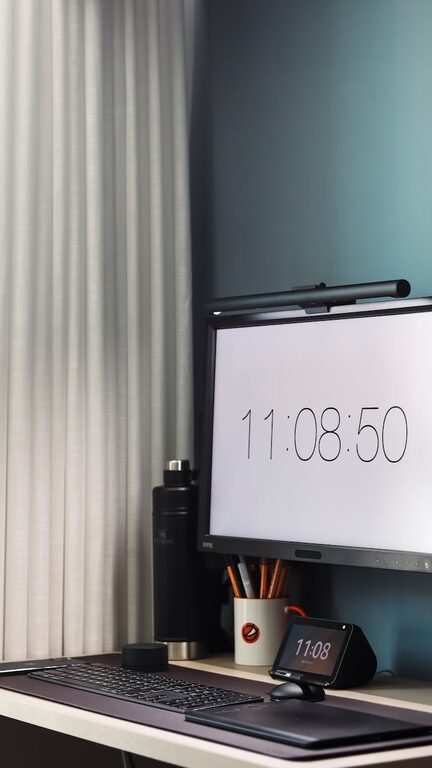
Creating a clutter-free and productive home office space can transform the way you work, helping you stay focused and motivated throughout the day. Whether you’re working remotely full-time or occasionally using a home office, organizing the area thoughtfully will make a big difference in your comfort and efficiency. This guide offers practical, easy-to-follow tips to help you design a workspace that works for you.
Why Organizing Your Home Office Matters
A well-organized office can reduce distractions, save time, and increase your productivity. When everything has a place, it’s easier to stay focused on tasks without wasting time searching for items. Plus, a tidy environment helps lower stress and creates a positive mood, which supports better work habits.
Start with a Clean Slate
Before adding anything back into your space, clear out everything. Remove old papers, unused supplies, and any items unrelated to your work. This cleanup step allows you to assess what you really need and frees up space to organize effectively.
Choose the Right Location
Finding the right spot for your home office is important. Ideally, select a quiet corner with good natural light to reduce eye strain and boost your mood. Avoid high-traffic areas if possible, to minimize distractions.
Invest in Essential Furniture
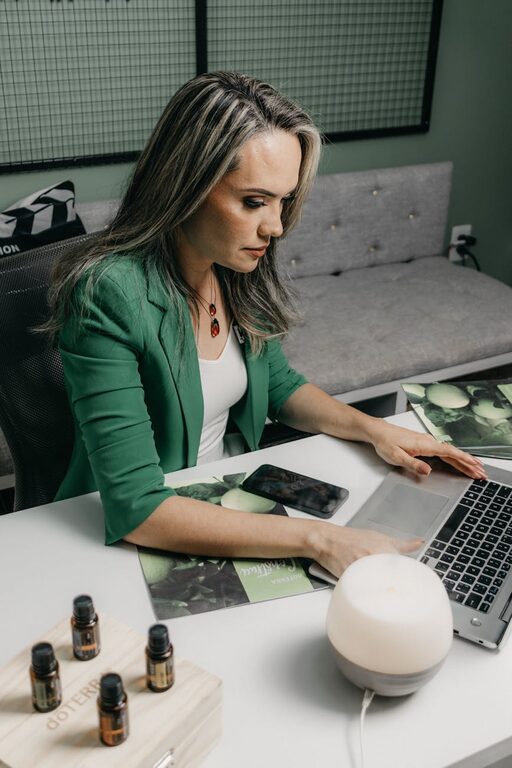
A comfortable, ergonomic chair and a desk at the right height can improve your posture and prevent discomfort during long work hours. Depending on your space, consider a desk with built-in storage to keep essentials within reach but out of sight.
Declutter Your Desk Surface
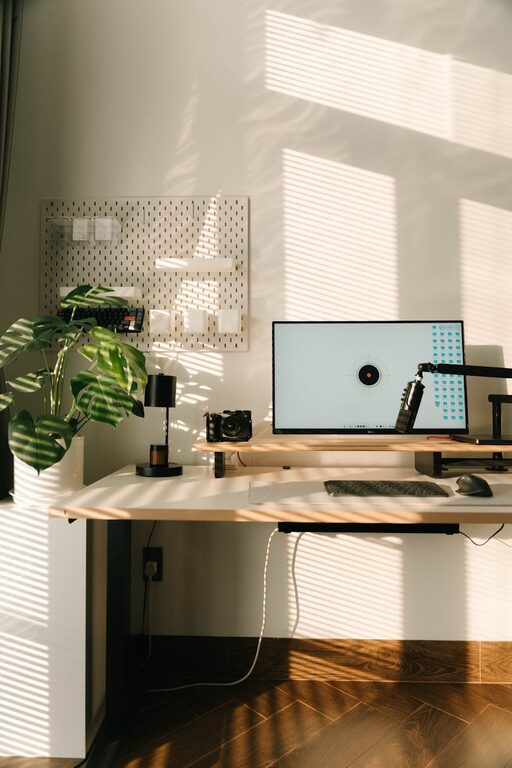
Keep your desktop as clear as possible. Limit items to those you use daily, such as a computer, notebook, and a pen holder. Store additional supplies in drawers or organizers to maintain a clean look and free up workspace.
Use Storage Solutions Wisely
Efficient storage is key to a clutter-free office. Here are some ideas:
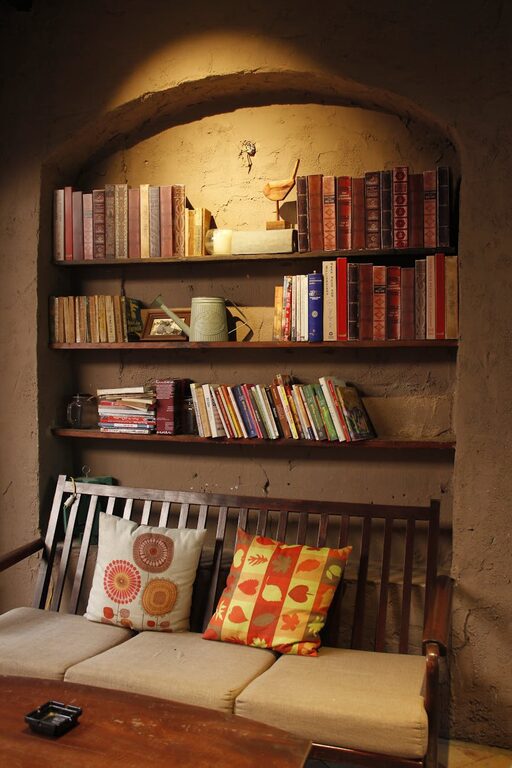
– Shelves: Great for books, binders, and decorative storage boxes.
– Drawer Organizers: Keep office supplies like paper clips, pens, and sticky notes sorted.
– File Holders: Use vertical folders or filing cabinets for paperwork to prevent piles.
– Baskets and Bins: Useful for larger items or things you don’t need daily access to.
Manage Cables and Electronics
Cords can quickly create visual clutter and become tripping hazards. Use cable clips, ties, or a cable management box to gather cords neatly behind the desk. Wireless devices can also help reduce cables.
Optimize Lighting
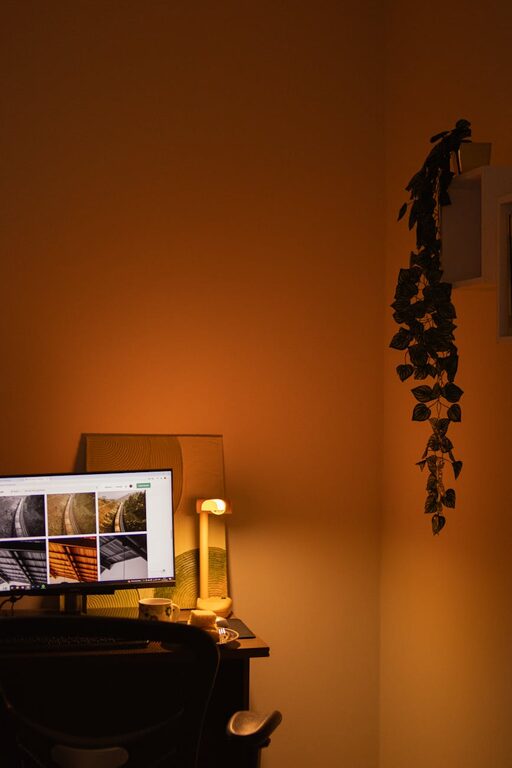
Ensure your workspace has adequate lighting. Desk lamps with adjustable brightness can reduce eye strain, especially if natural light is limited. Position your monitor to avoid glare from windows or overhead lights.
Personalize Without Overcrowding
Adding personal touches like a plant, photo, or artwork can make your space inviting and feel uniquely yours. Just be careful not to overcrowd your desk or walls to keep the calming effect of a clutter-free environment.
Establish Daily Habits for Maintenance
Keeping your office organized is an ongoing process. Try these habits:
– Spend 5 minutes at the end of each day tidying your desk.
– File or shred paperwork regularly to avoid buildup.
– Reassess your storage needs every few months and declutter as necessary.
Use Digital Tools to Reduce Paper
Where possible, digitize notes and documents to cut down on physical clutter. Cloud services and note-taking apps can help keep your information organized and accessible without needing extra storage space.
Create Zones for Different Tasks
If your office is large enough, designate areas for different activities—for example, a main desk for computer work, a reading nook, or a space for brainstorming with a whiteboard or corkboard. This helps keep your mind focused on the task at hand.
—
By following these tips, you can design a home office that promotes productivity and feels pleasant to work in. Remember, the goal is to create a space that supports your workflow and reduces distractions. With a little planning and consistent maintenance, a clutter-free and organized home office is within reach.
About the Author