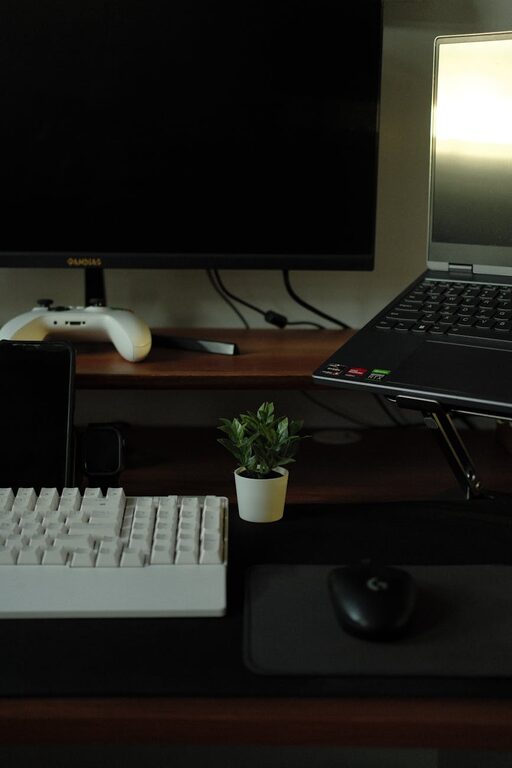
Creating an effective home workspace is key to maintaining productivity, especially as many people continue to work remotely or pursue projects at home. A well-organized and thoughtfully arranged workspace helps reduce distractions, improve focus, and make working from home more enjoyable. Whether you have a dedicated room or just a small corner, these tips will help you design a home workspace that supports your work habits and personal comfort.
Choose the Right Location
The first step to organizing your home workspace is selecting an appropriate area. Ideally, pick a spot that is quiet and away from heavy foot traffic to minimize interruptions. If possible, use a room with a door to separate work from the rest of your home life.
If space is limited, a corner in a living room, bedroom, or even a nook can be converted into a workspace. Consider natural light availability and ventilation too, as these contribute to a comfortable working environment.
Invest in Comfortable and Functional Furniture
Your workspace furniture should support both productivity and comfort. A sturdy desk with enough surface area for your computer, documents, and other tools is essential. If space is tight, look for desks with built-in storage or foldable options.
A good ergonomic chair helps prevent back pain and fatigue during long periods of sitting. Adjustability is important — choose a chair that offers support for your lower back and allows your feet to rest flat on the floor.
Declutter and Organize Supplies
Clutter can quickly lead to distractions and stress. Keep your desk clear by storing supplies you don’t need daily in drawers, shelves, or containers.
Use organizational tools such as:
– Desk organizers for pens, paper clips, and sticky notes
– Filing trays or folders for documents and bills
– Cable management solutions like clips or sleeves to keep cords tidy
Periodically review what items you truly need in your workspace and remove anything unnecessary.
Optimize Lighting
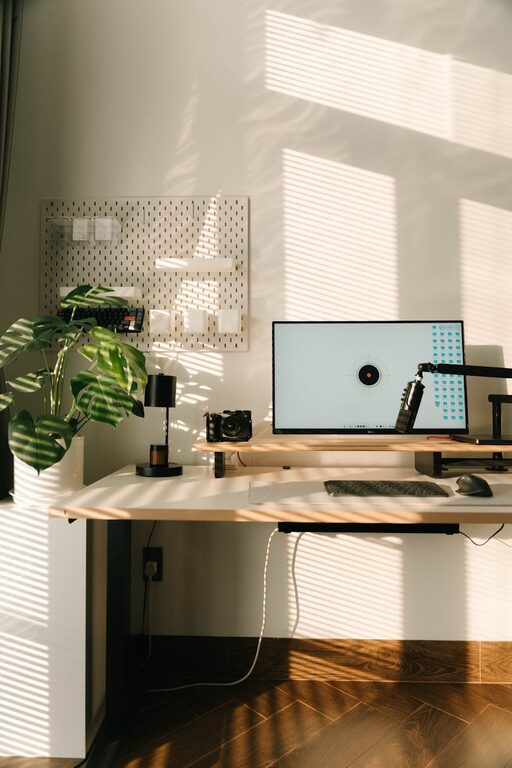
Proper lighting reduces eye strain and helps maintain alertness. Whenever possible, position your desk near a window to take advantage of natural light.
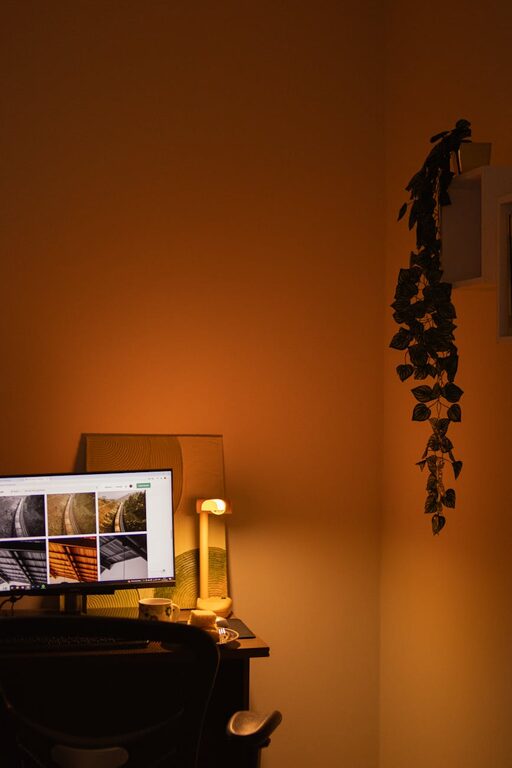
Use adjustable task lighting such as a desk lamp with brightness settings for overcast days or late work sessions. Avoid harsh overhead lights and position screens to prevent glare.
Set Up Technology Efficiently
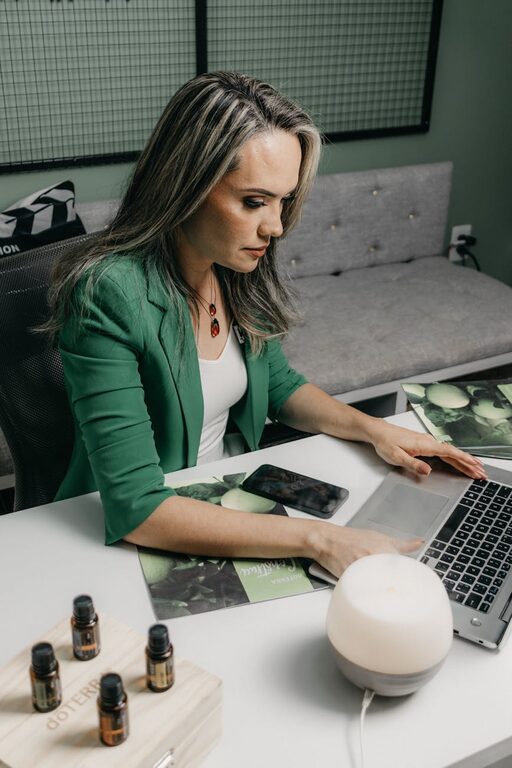
Technology is central to a home workspace, but wires and devices can become a mess. Plan the arrangement of your computer, monitor, keyboard, and accessories so that cables stay organized.
Wireless devices can reduce clutter, but ensure they are reliable and charged. Consider investing in a docking station or surge protector with multiple outlets to keep everything connected and protected.
Personalize Without Overdoing It
Personal touches can make your workspace inviting and motivating. Photos, plants, artwork, or inspirational quotes are great options.
However, avoid overcrowding your space with items that might distract you. The goal is to create a balanced environment that feels uniquely yours while supporting focus.
Establish Work Zones
If your home workspace is larger, designate specific zones for different activities. For example:
– A computer area for digital tasks
– A writing or planning area with notebooks and calendars
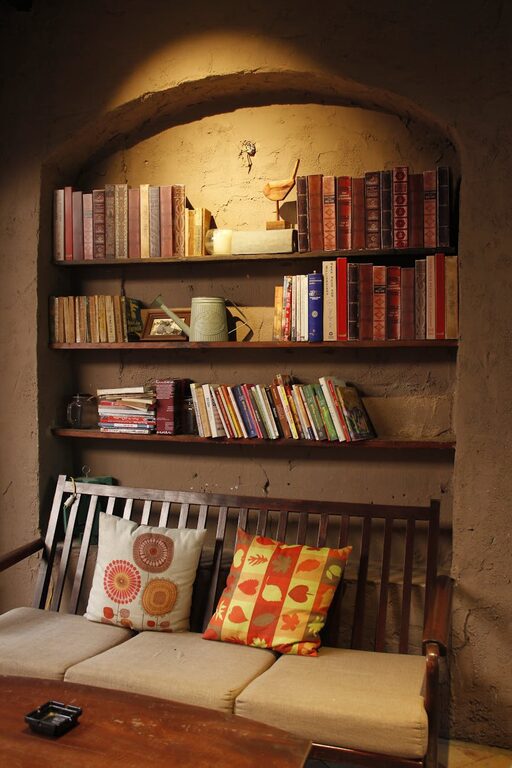
– A reference zone with books or files
Having clear zones can make it easier to stay organized and mentally shift between tasks.
Maintain a Routine and Clean Up Daily
An organized workspace requires regular upkeep. At the end of each workday, take a few minutes to:
– File papers and important documents
– Put away supplies
– Wipe down your desk and keyboard
– Organize cables as needed
Developing a daily clean-up habit prevents clutter buildup and helps you start fresh the next day.
Use Organizational Apps and Tools
Digital tools can complement your physical organization efforts. Use apps for:
– Task management and to-do lists
– Calendars and scheduling
– Note-taking and brainstorming
Keep digital files organized with clear folder structures and file names, just like physical paperwork.
Consider Your Workflow
Think about how you work best and arrange your space accordingly. If you need frequent access to reference materials, keep them at arm’s reach. If you work better with minimal distractions, keep non-essential items out of sight.
Test different layouts or setups until you find what enhances your focus and productivity.
—
By thoughtfully choosing your workspace location, furniture, and organization methods, you can create a home office that supports your best work. Remember that an organized workspace isn’t just about neatness—it’s about making your environment work for you. With these tips, you’ll be ready to maximize productivity and enjoy your work-from-home experience.
About the Author